
How to run a smooth silent auction from start to finish
Using Bidstation to run your nonprofit fundraising auction will improve the guest experience and make the process easier for organizers and volunteers.
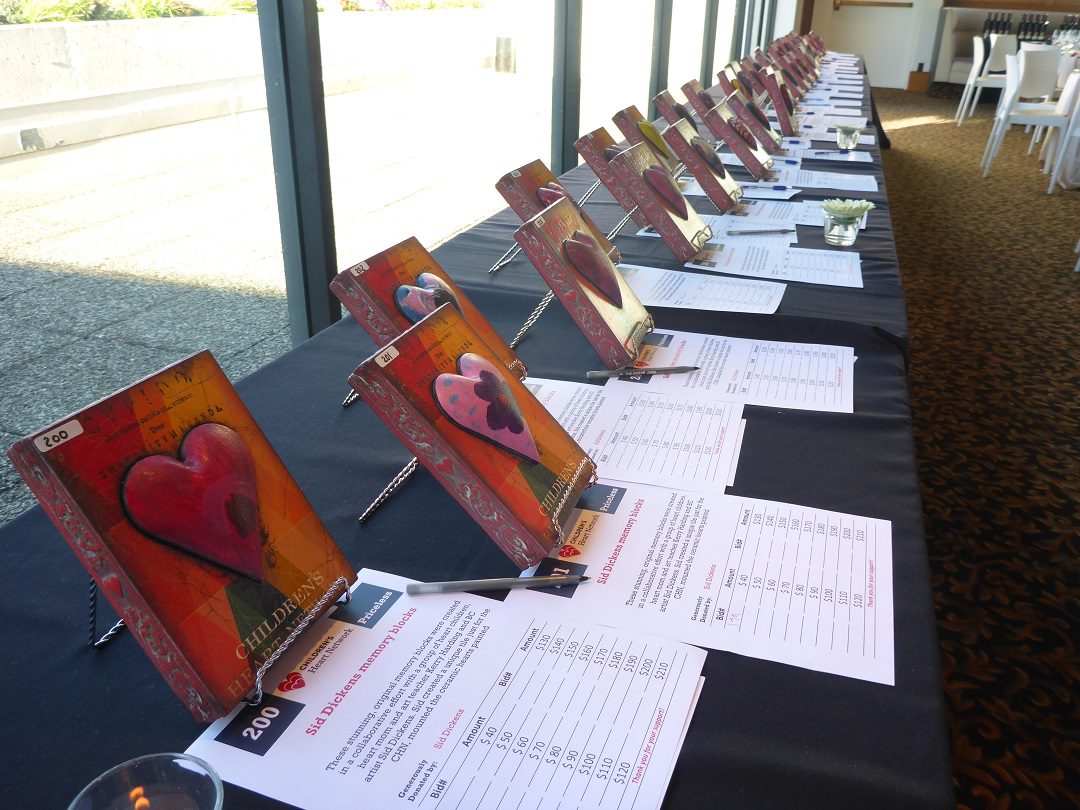
Stage 1: Before the auction
Get ready for your silent auction with the materials you’ll need:
- Import auction items and attendees from Excel
- Create and Print bid sheets, displays, certificates, labels, etc.
Bidstation comes primed with MS Word document templates to kick-start your creativity. Customize with your own design, logo, layout or use them out of the box. Integrates with Word using merge document functions to enable any type of customization.
Built in tools such as auto bid-increments on bid sheets and item number generator makes it simpler and easier to prepare.
Stage 2: During the auction
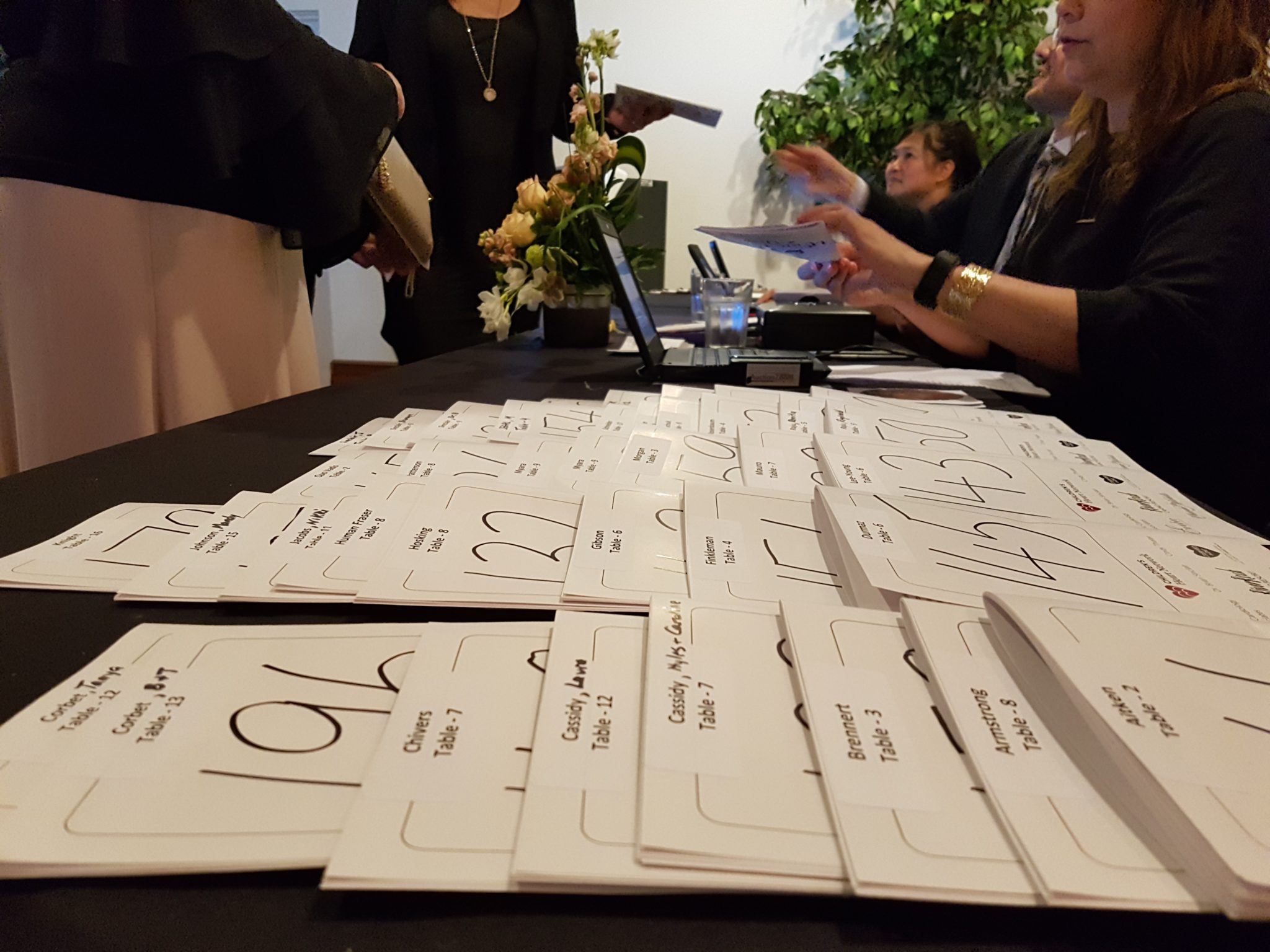
Guests will be treated to a smooth, relaxed check-in with card-on-file using the Bidstation app on iOS and/or Android devices with Square card reader hardware.
- Save each bidder’s card on file at check-in.
- Quick and easy recording of winning bids, purchases and donations so you’re ready for checkout on time.
- Prepare invoices that show which bidders have a card on file to make it easy to spot who needs to pay and who can go directly to item pickup.
- Tap, chip, swipe or manually enter cards, or cash and checks, for guests who need to pay at checkout.

Stage 3: After the auction
Using Bidstation’s handy reports and familiar interface, review the numbers for accuracy. When ready, process payments individually or in a batch with Square.
- Process all card on file payments with just a few clicks.
- Email invoices and payment receipts as needed, right from Bidstation.
Close out your auction in less time than you thought possible and get the proceeds deposited sooner through your Square account.
More Questions? Talk with us, chat with us, read more from us.
We love to talk about auction events. Get in touch to have a conversation, ask questions and plan your best event. We’re here for you.
1-866-410-6865 | Real Person Chat | 24/7 GPT
Check out our Gold Standard Series for more.
Part 1 – The Gold Standard for Charity Auctions
Part 2 – The Psychology of Fundraising Auction Bidding
Part 3 – Beyond One-Night-Revenue
Part 4 – why Mobile bidding Costs More but Delivers Less
Part 5 – Why Organizations Choose Mobile
Part 6 – Staggered Closings and Other Secrets to Silent Auction Success
Part 7 – The Operations Playbook to Running Flawless Modern Traditional Auctions
TRY IT FOR FREE!
You can evaluate Bidstation’s effectiveness for your event yourself by trying it out.
Run a small simulated auction of your own with our sample data using your Square account.